
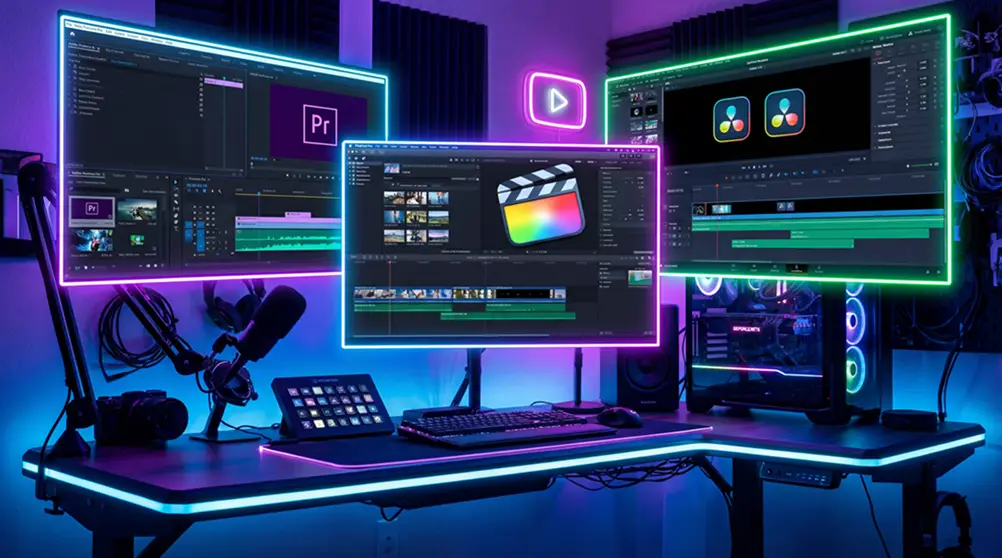
What Video Editing Software Do YouTubers Use? (Top Picks 2026)
If you’re starting a YouTube channel or looking to upgrade your editing workflow, one of the first questions you’ll ask is: what video editing software do YouTubers use?
“In 2026, there are more than 65 million active content creators working on YouTube.”
The competition is high! To compete with others, you need the best tools and finest video editing work. Premium editing tools have become essential YouTube content creation tools for their daily content. They are constantly relying on professional tools like Adobe Premiere Pro and video editing services like Marketing Media AI.
Let’s find out the best options in 2026, ranging from free video editing software to advanced suites used by professionals.
What Video Editing Software Do YouTubers Use? (Complete Guide)
The answer depends on the type of creator, their budget, and their platform.
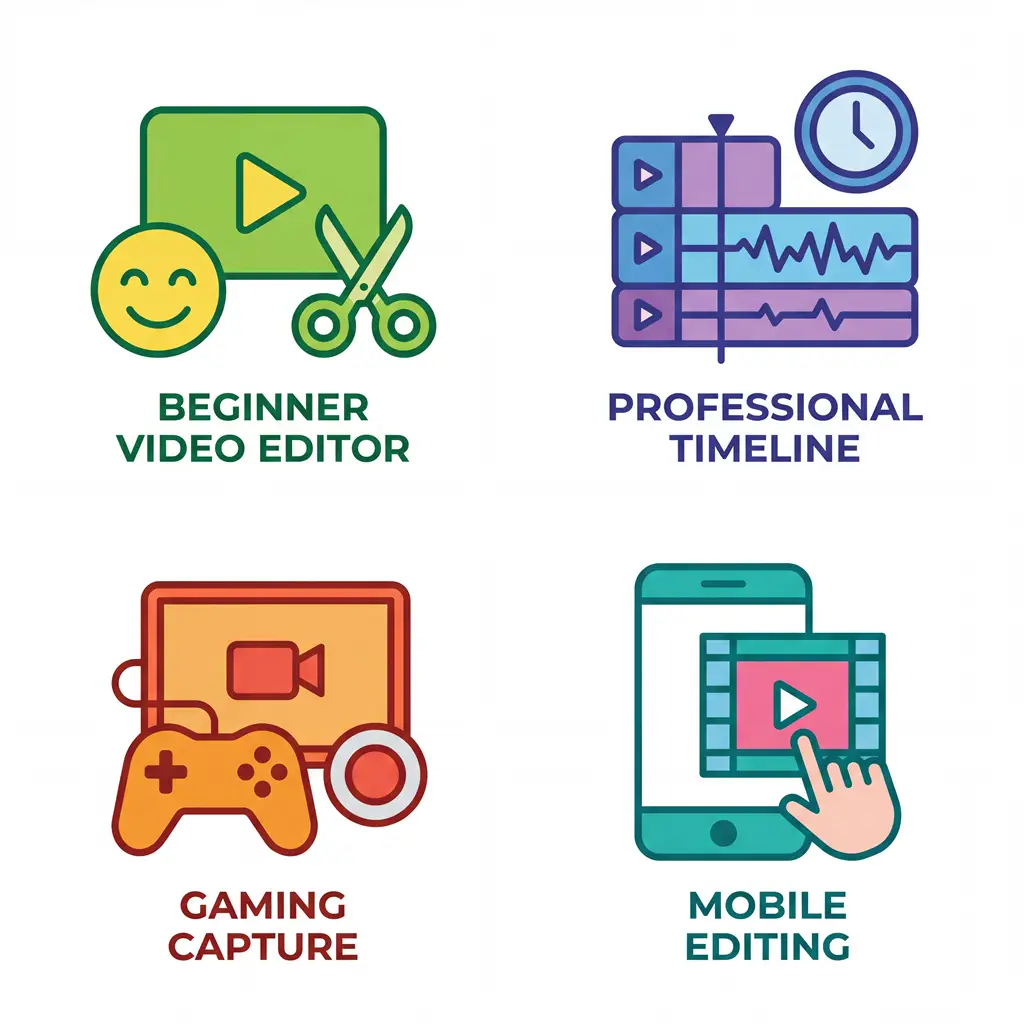
1. Video Editor for Beginners
Beginners often lean toward beginner video editing software like iMovie or OpenShot. The simple programs are a great source for intuitive interfaces and essential tools to help newcomers learn the basics of video editing.
2. Video Editors for Professionals
Professionals prefer Premiere Pro vs Final Cut Pro for YouTube. Premiere Pro offers deep Adobe Creative Cloud integration (After Effects, Photoshop). Final Cut Pro excels on Mac with superior performance and stability.
3. Video Editors for Gamers
Gaming creators frequently use the open-source software OBS Studio (Open Broadcaster Software) to record their gameplay footage, as it offers powerful, free recording and streaming capabilities.
4. Video Editor for Mobile Creators
Mobile-first creators rely heavily on mobile video editing apps for YouTube, such as CapCut. Its user-friendly interface and features (advanced text-to-speech, keyframe animation, and speed adjustments), and frequent updates make it a go-to choice for editing YouTube videos directly on a smartphone.
Why the Right Video Editing Software Matters for YouTubers
- Quality Control: Editing determines pacing, storytelling, and viewer retention.
- Workflow Efficiency: Smooth exporting and rendering save time.
- Creative Freedom: Advanced tools allow color grading, effects, and transitions.
- Channel Growth: Polished videos attract subscribers and sponsors.
📝 Quick Tip: You can balance the features with usability with the best editing software for YouTube videos. Some creators focus on the topic, so they need simple and fast editors. Others focus on the graphics and effects; they need professional editors or Market Media AI’s video editing services. Around 91-95% marketers are using video editing services. 43% of them lack editing software skills and rely on the service.
The Most Popular Video Editing Software Used by YouTubers
Here are the top picks for 2026:
Software | Best For | Platform | Price |
|---|---|---|---|
Adobe Premiere Pro | Professionals, versatile editing | Windows & Mac | Subscription |
Final Cut Pro X | Mac creators, cinematic editing | Mac only | One-time purchase |
DaVinci Resolve | Color grading, pro workflows | Windows, Mac, Linux | Free & Paid |
iMovie | Beginners, quick edits | Mac & iOS | Free |
HitFilm Express | Visual effects-heavy creators | Windows & Mac | Free/Paid |
OpenShot & VSDC | YouTube video editor alternatives | Windows, Mac, Linux | Free |
CapCut & Premiere Rush | mobile video editing apps for YouTube | iOS & Android | Free/Paid |
What Software Do Big YouTubers Use? (Examples & Trends)
Do you want to know what video editing software do YouTubers use? It’s helpful to look at the biggest names in the industry. Their choices often set trends and influence what smaller creators adopt. Let’s break down some notable examples:
1. Final Cut Pro X: Casey Neistat and many vloggers
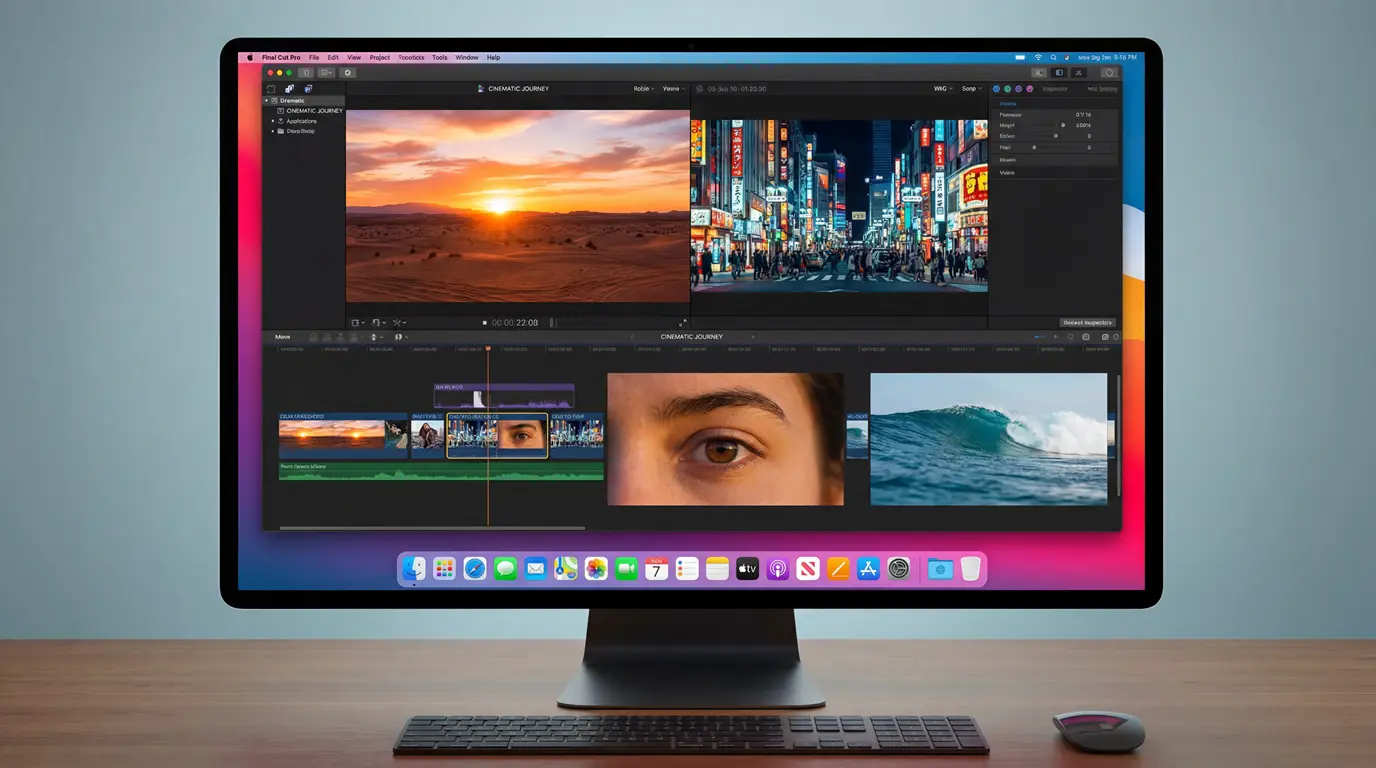
Casey Neistat is one of the most influential vloggers on YouTube. Like him, vloggers love Final Cut Pro X because it allows quick turnaround times without sacrificing quality. Plus, the magnetic timeline and seamless integration with Apple devices make it a go-to for creators.
2. Adobe Premiere Pro: Marques Brownlee (MKBHD)
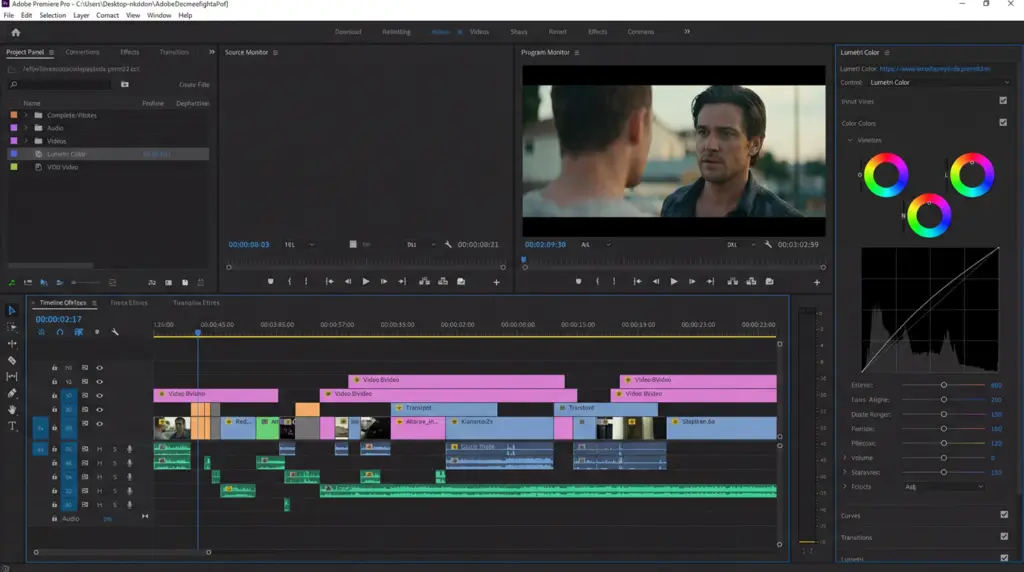
Tech reviewer Marques Brownlee (MKBHD) is widely recognized for his polished, cinematic videos. He uses Adobe Premiere Pro, which is considered one of the best editing software for YouTube videos among professionals. This is a prime example of what do professional YouTubers use to edit when they want industry-standard results with effects, motion graphics, tracking, and color grading.
3. DaVinci Resolve or Premiere Pro Gaming YouTubers:
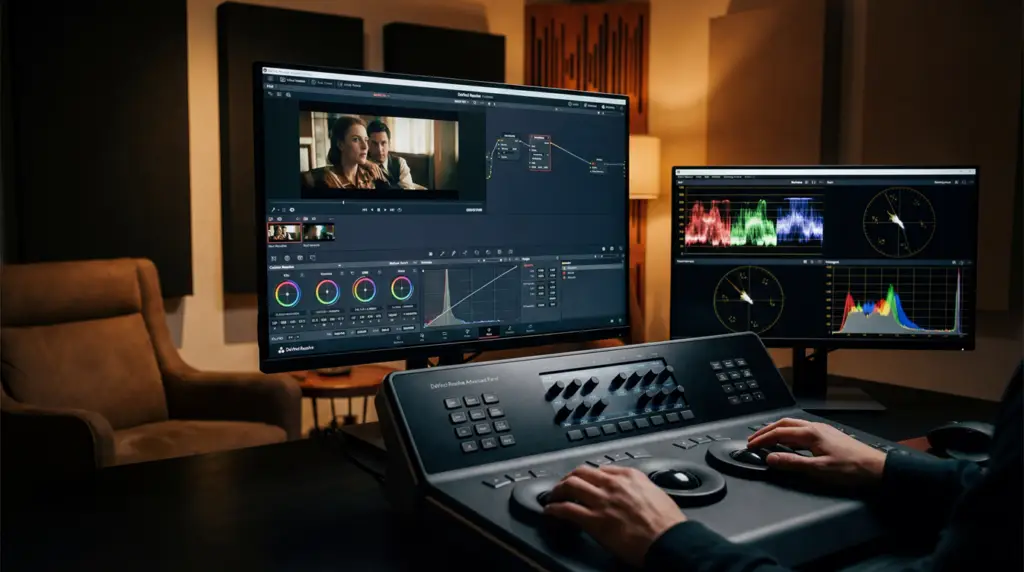
Gaming creators often deal with long recordings, overlays, and complex edits. Many turn to DaVinci Resolve, which offers professional-grade color correction in the free version. Others prefer Premiere Pro for its wide range of plugins and compatibility with streaming tools like OBS Studio.
Best Video Editing Software for Beginners on YouTube
Starting out on YouTube can feel confusing or boring. You will ask others: what video editing software do YouTubers use to find a shortcut.
For newcomers, it is better to choose beginner video editing software that’s simple, effective, and doesn’t require a steep learning curve. You don’t need the most advanced tools right away. Here, finding software that helps you create polished videos while you learn the basics of editing matters the most.
We have listed three excellent YouTube video editor alternatives if you’re not ready to dive into professional suites like Premiere Pro or Final Cut Pro:
1. iMovie: Free, intuitive, perfect for Mac users
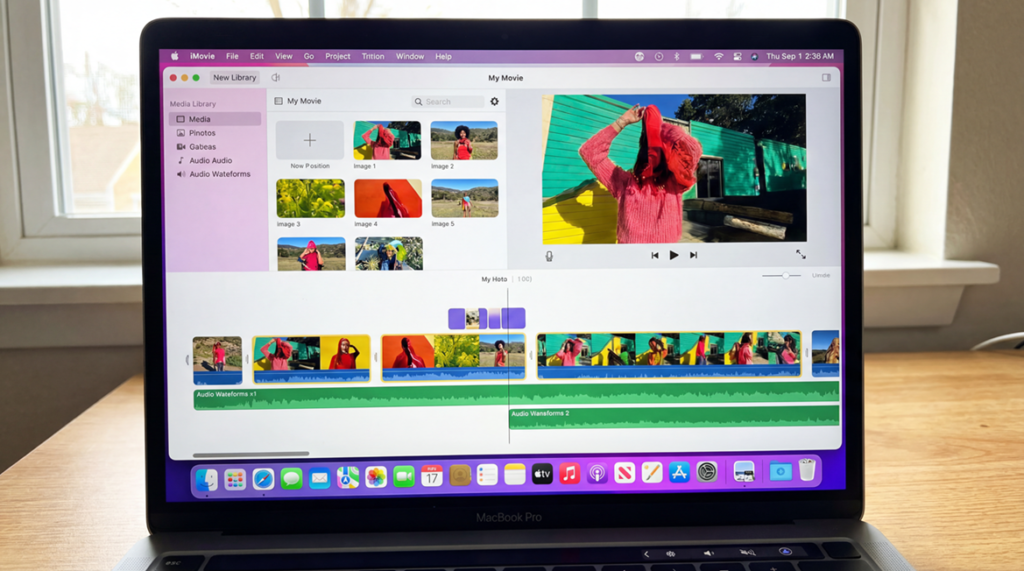
iMovie is Apple’s built-in editor, and it’s one of the most popular starting points for new creators. It comes pre-installed on most Macs and iOS devices, making it accessible without extra cost. Beginners love iMovie because of its drag-and-drop interface, simple timeline, and ready-made templates. Its biggest advantage is that it’s free and optimized for Apple hardware, ensuring smooth performance.
2. OpenShot: Free, cross-platform, easy to learn
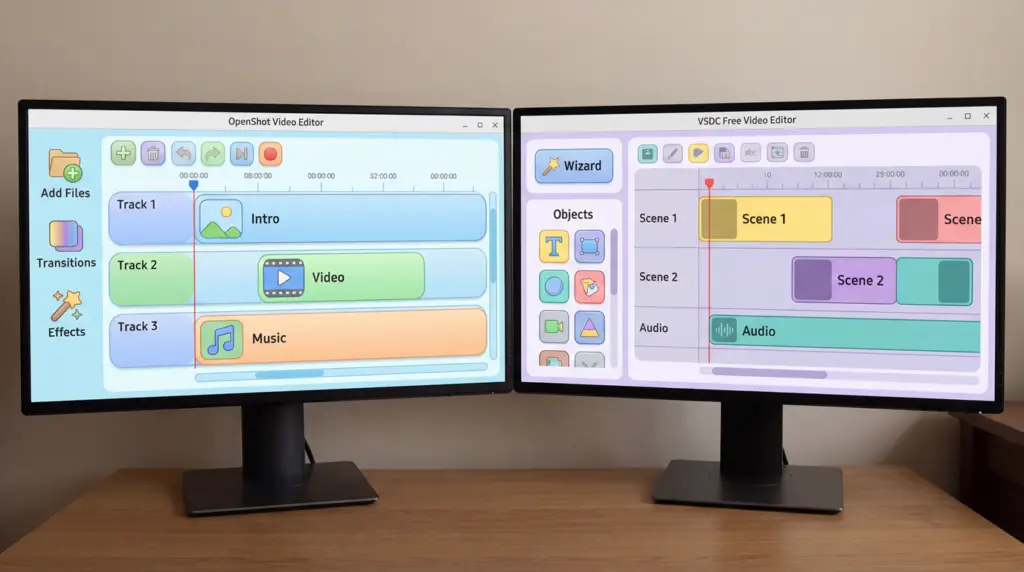
OpenShot is a fantastic option for creators who don’t use Apple devices. It’s open-source, meaning it’s completely free, and it works on Windows, Mac, and Linux. The interface is straightforward, with a clean timeline and basic editing tools like trimming, cutting, and transitions.
OpenShot is a stepping stone before moving on to more complex YouTube content creation tools. Its lightweight design makes it ideal for laptops or PCs with limited processing power.
3. VSDC: Windows-friendly, lightweight
For Windows users, VSDC is one of the best free video editing software for YouTube. It offers a non-linear editing system, meaning you can place video clips anywhere on the timeline. VSDC is also lightweight, so it runs smoothly on less powerful computers. For creators who want to experiment with editing without investing in expensive software, VSDC is a reliable choice.
📝Quick Tip: Why beginners should start with simple tools? In fact, it helps new creators to focus on storytelling, pacing, and audience engagement rather than getting lost in technical complexity. We recommended using the YouTube video editor alternatives or taking a service from Marketing Media AI’s video editor group to understand and observe the storytelling.
Mobile Editing Apps Popular With YouTubers
Trend Insight
In 2026, many beginner YouTubers are also experimenting with mobile video editing apps for YouTube, like CapCut and Premiere Rush. They are tools for free, and perfect for quick edits on the go. Besides, they’re especially popular among creators making Shorts or vertical content, showing how the beginner-friendly editing landscape is expanding beyond desktop software.
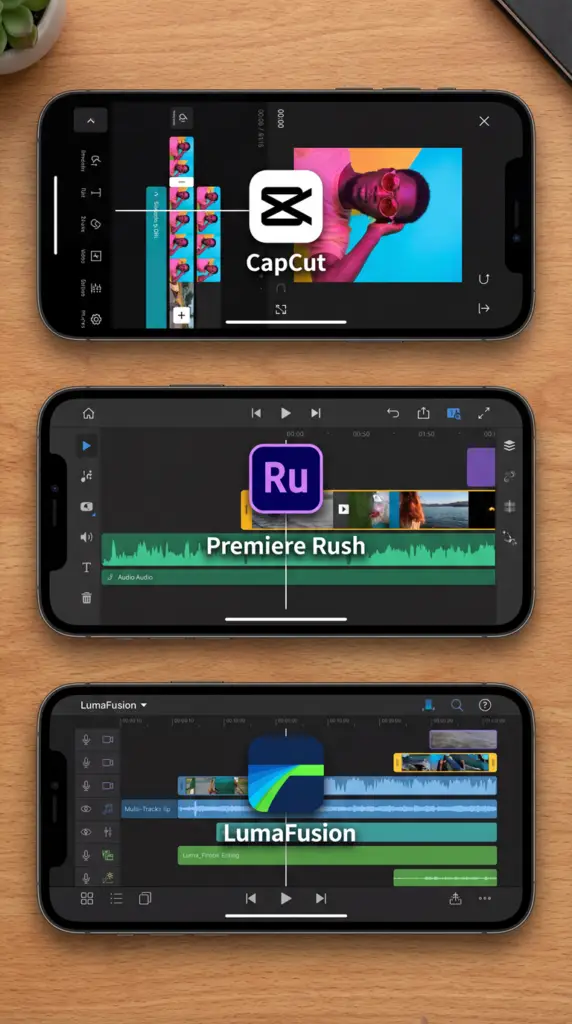
Many rely on the following three mobile video editing apps for YouTube:
CapCut: Free, TikTok-friendly, now widely used for YouTube Shorts.
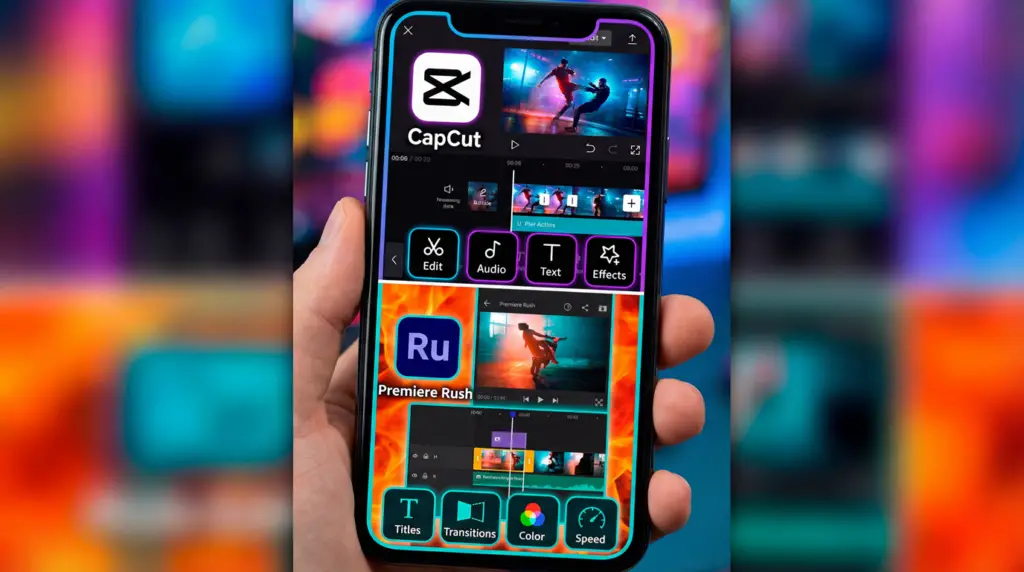
Premiere Rush: Syncs with Premiere Pro for cross-device editing.
LumaFusion: iOS powerhouse for mobile creators.
The question is, how would you know the best fit for your work on YouTube? We have listed 5 factors you can check before stepping into the workstation!
How to Choose the Right Editing Software for Your Channel
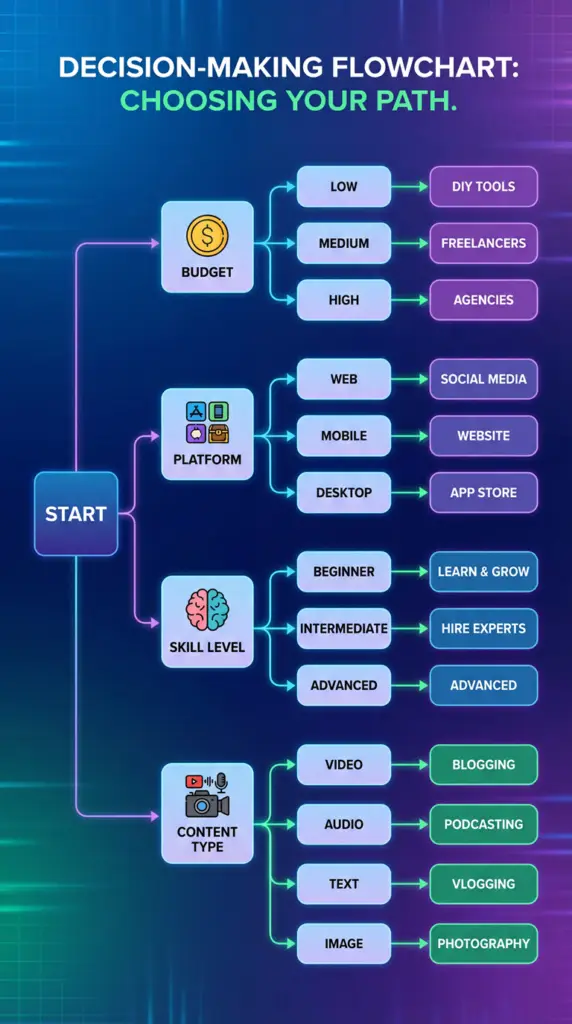
- Budget: Free vs subscription vs one-time purchase.
- Platform: Mac vs Windows video editing software matters.
- Skill Level: Beginners vs professionals.
- Content Type: Gaming, vlogs, tutorials, or Shorts.
- Future Growth: Will you need advanced tools later?
Frequently Asked Questions
Is there truly free video editing software for YouTube?
Yes, options like DaVinci Resolve (free version), OpenShot, and VSDC are excellent free editors. There are also great YouTube video editing tools like Wondershare Filmora, but you cannot export videos without large watermark in that software.
What’s better: Premiere Pro vs Final Cut Pro for YouTube?
Premiere Pro benefits are: cross-platform, industry-standard. On the contrary, Final Cut Pro benefits are: optimized for Mac with faster rendering. The use case is totally based on your preference.
Can I edit YouTube videos on mobile?
Absolutely. Apps like CapCut, InShot, KineMaster, and Premiere Rush are popular YouTube content creation tools for mobile editing. Also, there are built-in trimming options inside the TikTok and YouTube mobile apps.