Skip to content
What Video Editing Software Do YouTubers Use? (Top Picks 2026)
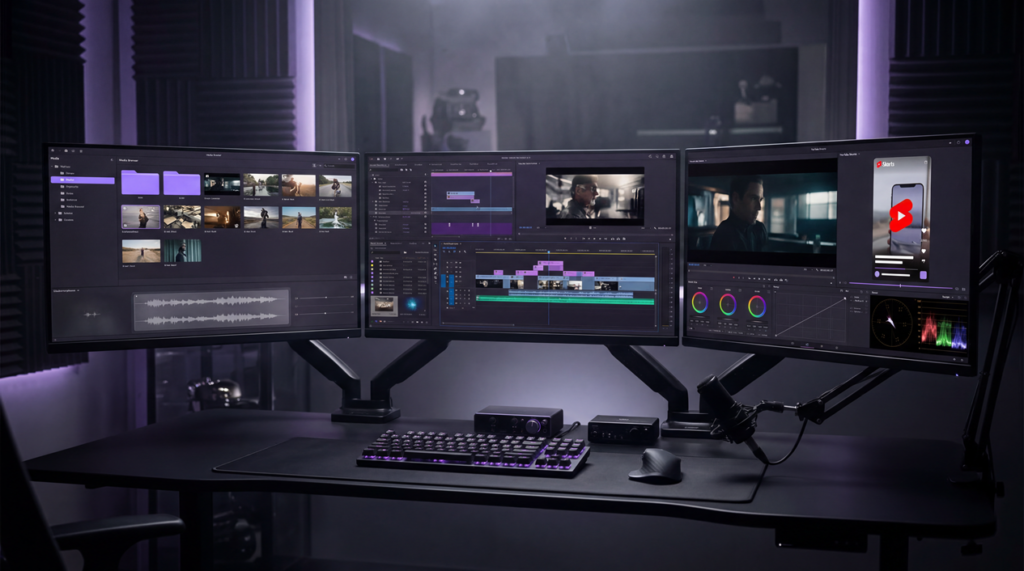
If you’re starting a YouTube channel or upgrading your workflow, one of the first questions you’ll ask is: what video editing software do YouTubers use?
The better question is not which editor sounds the most impressive. It is which editor actually fits your budget, operating system, content format, and turnaround speed.
Some creators need fast, simple edits. Others need stronger color tools, better audio control, multicam support, or cleaner exports. And some brands are better off using a professional video editing team when consistency matters more than learning another platform from scratch.
This guide breaks down the strongest options for 2026, from beginner-friendly tools to professional editors used for serious YouTube production.
What Video Editing Software Do YouTubers Use? (Complete Guide)
The answer depends on the type of creator, the kind of videos you publish, and how advanced your workflow needs to be.
1. Video Editor for Beginners
Beginners usually do best with iMovie or OpenShot because both make it easier to learn the fundamentals: cutting clips, cleaning pacing, adding text, balancing audio, and exporting without a steep learning curve.
2. Video Editors for Professionals
Professional creators usually choose Adobe Premiere Pro, Final Cut Pro, or DaVinci Resolve. Premiere is flexible and widely used across professional workflows, Final Cut Pro is fast and polished for Apple users, and DaVinci Resolve is especially strong for color grading and finishing.
3. Video Editors for Gamers
Gaming creators often pair OBS Studio for recording and livestream capture with Premiere Pro or DaVinci Resolve for post-production. OBS handles capture well, while full editors give you more control over pacing, overlays, sound, and final delivery.
4. Video Editor for Mobile Creators
Mobile-first creators often lean on CapCut, LumaFusion, or Adobe Premiere mobile. These are useful for fast publishing, vertical content, caption-heavy edits, and creators building around YouTube Shorts.
Why the Right Video Editing Software Matters for YouTubers
- Quality control: The editor you choose affects pacing, clarity, audio polish, and overall viewer retention.
- Workflow efficiency: Faster imports, smoother playback, and cleaner exports save time every single week.
- Creative freedom: Better tools give you more control over color, motion, effects, captions, and sound design.
- Channel growth: Cleaner, more consistent videos help build trust with viewers, subscribers, sponsors, and clients.
Quick Tip: The best editing software for YouTube videos is not always the most advanced one. The right choice is the one that matches your skill level, hardware, and publishing speed. And if you are still refining the business case behind video, our guide on why video marketing is so powerful is worth reading too.
The Most Popular Video Editing Software Used by YouTubers
Here are the top picks for 2026:
| Software | Best For | Platform | Price |
|---|---|---|---|
| Adobe Premiere Pro | Professionals, agencies, versatile editing | Windows & Mac | Subscription |
| Final Cut Pro | Mac and iPad creators, fast editing | Mac & iPad | Subscription or one-time purchase |
| DaVinci Resolve | Color grading, finishing, pro workflows | Windows, Mac, Linux, iPad | Free & Paid |
| iMovie | Beginners, quick edits | Mac, iPhone, iPad | Free |
| OpenShot | Beginners, free desktop editing | Windows, Mac, Linux | Free |
| VSDC | Budget Windows creators | Windows | Free & Paid |
| CapCut | Short-form, mobile-first workflows | iOS, Android, desktop, web | Free & Paid |
| LumaFusion | Mobile creators who want more control | iPhone, iPad, Android, ChromeOS | One-time purchase |
What Software Do Big YouTubers Use? (Examples & Trends)
Large YouTube channels do not all use the same editor. Their choices usually reflect workflow, hardware, turnaround speed, and team structure more than hype.
1. Final Cut Pro: Fast Apple-centric workflows
- Mac-based creators and many high-output vloggers often favor Final Cut Pro because it is fast, stable on Apple hardware, and efficient for cutting large amounts of footage quickly.
2. Adobe Premiere Pro: Team-based and cross-platform production
- Premiere Pro remains a strong choice for creators who collaborate, move projects between systems, or need broader post-production flexibility across editing, graphics, and asset workflows.
3. DaVinci Resolve: Color-heavy and advanced finishing workflows
- Resolve appeals to creators who want stronger color tools, solid audio post-production, and a professional-grade editor that still offers a capable free version.
The larger pattern is simple: successful creators pick the editor that fits their process. That is a better model to follow than copying a tool just because a large channel uses it.
Best Video Editing Software for Beginners on YouTube
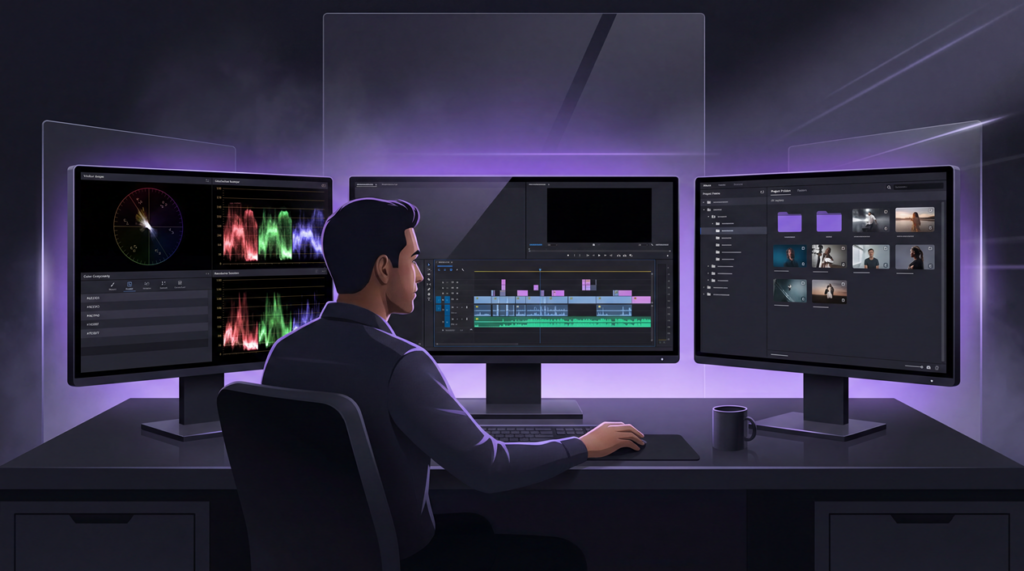
Starting on YouTube can feel overwhelming, and many new creators search what video editing software do YouTubers use because they want the fastest path to decent results.
For most beginners, the smartest move is to choose software that helps you learn pacing, structure, and clean storytelling first. You do not need the most advanced editor on day one.
Here are three strong beginner-friendly options if you are not ready to jump into Premiere Pro, Final Cut Pro, or DaVinci Resolve.
1. iMovie: Free, intuitive, perfect for Mac users
iMovie is one of the cleanest starting points for new creators. It is free on Apple devices, easy to navigate, and strong enough for basic YouTube edits, simple titles, music, and quick turnaround publishing.
2. OpenShot: Free, cross-platform, easy to learn
OpenShot is a good fit for creators who want a free desktop editor across Windows, Mac, and Linux. It covers the basics well and keeps the interface approachable.
It is not the strongest tool for complex professional work, but it is a solid stepping stone before moving into heavier editing software.
3. VSDC: Windows-friendly, lightweight
For Windows users, VSDC is a practical low-cost option. It runs on modest systems, supports more advanced control than many beginner tools, and gives budget-conscious creators room to grow.
Quick Tip: Beginners usually improve faster with simpler tools because they spend less time fighting the interface and more time learning hooks, pacing, clarity, and story structure. If you want professional-level polish without the learning curve, Marketing Media AI can handle the editing side for you.
Mobile Editing Apps Popular With YouTubers
Trend Insight
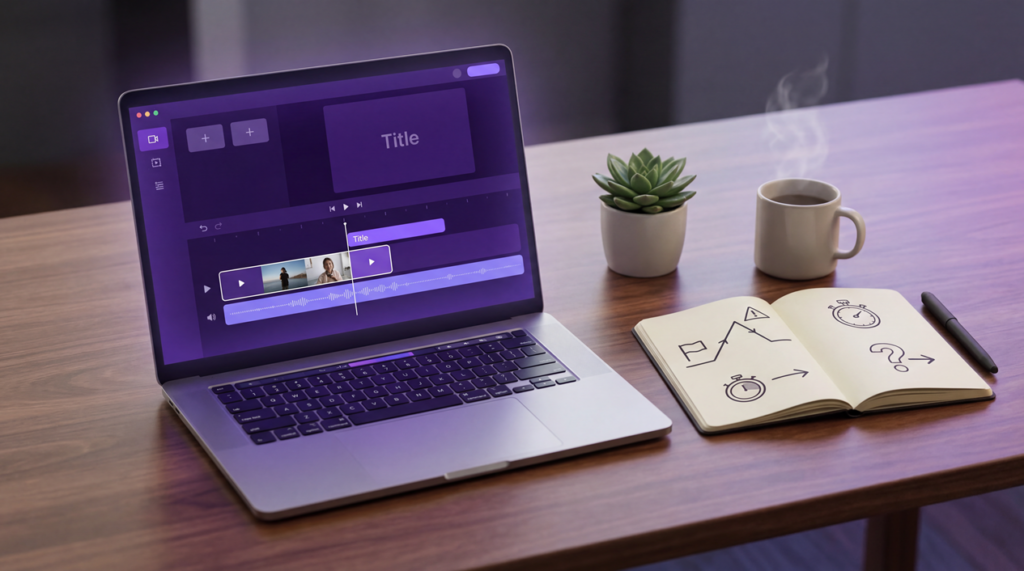
Mobile editing matters more than it used to because short-form content rewards speed. Many creators now start or finish edits on a phone or tablet instead of treating mobile as a backup workflow.
Three mobile options stand out right now:
- CapCut: Fast, creator-friendly, and especially useful for Shorts, captions, and trend-driven editing.
- Adobe Premiere mobile: A stronger option for creators who want Adobe’s editing approach on mobile.
- LumaFusion: A more advanced mobile editor for creators who want tighter control and a more serious timeline workflow.
The right choice depends on how fast you publish, how much control you need, and whether you plan to stay mobile or move projects into a larger production workflow later. If your channel is also used for product or conversion content, our guide on how to make an effective video ad is a useful companion read.

How to Choose the Right Editing Software for Your Channel
- Budget: Decide whether you need free software, a subscription, or a one-time purchase.
- Platform: Your operating system matters. Some tools are Apple-focused, while others are better for Windows or cross-platform teams.
- Skill Level: Choose software that matches your current editing ability, not the tool you think you are supposed to use.
- Content Type: Shorts, tutorials, gaming videos, vlogs, interviews, and ads all push your workflow in different directions.
- Future Growth: Pick a tool that still makes sense when your channel becomes more demanding and your output gets more consistent.
Frequently Asked Questions
Is there truly free video editing software for YouTube?
Yes. DaVinci Resolve, OpenShot, and the free version of VSDC are all strong options, depending on your device and how advanced you want the workflow to be.
What’s better: Premiere Pro vs Final Cut Pro for YouTube?
Premiere Pro is usually the better fit if you want cross-platform flexibility and a broader professional workflow. Final Cut Pro is often the better fit if you are fully inside the Apple ecosystem and want speed with less friction.
Can I edit YouTube videos on mobile?
Absolutely. CapCut, LumaFusion, and Adobe Premiere mobile can all handle YouTube workflows, especially for Shorts, quick edits, and creators who publish directly from a phone or tablet.